On this page 7
GTA 6 auto drive makes your car drive itself to the waypoint you’ve set: hold Down on the D-pad while driving to switch to the cinematic camera, then turn on the auto drive option that appears. You can still change lanes with the indicators and adjust how fast it goes.
It’s a built-in feature, not a cheat. It’s available from the start and doesn’t touch trophies.
How to turn on auto drive
- Set a waypoint on the map. Without a destination the car just cruises around aimlessly.
- Start driving toward it.
- Hold Down on the D-pad to enter the cinematic camera.
- Turn on auto drive when the option appears. One widely shared r/GTA6 controls list does this with Options on PS5 (Menu on Xbox) while you’re in the cinematic view.
- Pick a radio station and enjoy the ride.
Steering and speed while it drives
- Change lanes or turn with the indicators. Tap D-pad Left or Right, the same buttons as the turn signals. Players use it to get past slow drivers that the autopilot would otherwise sit behind.
- Speed it up. The speed is adjustable once auto drive is on, so you don’t have to crawl along at the AI’s default pace.
- It drives carefully. Players say the AI is good at not wrecking your car, which makes it handy for long trips across Leonida.
The auto drive setting
The settings include an option to restrict auto drive in dangerous situations, so you can decide whether the car keeps driving itself when things get hectic. Check it if auto drive behaves differently from what you expect. Losing the police is still up to you: see how to lose wanted level in GTA 6.
Does it work in missions and on boats?
- Free roam: yes, anywhere you have a waypoint.
- Missions: on certain missions only. Players report it works during some drives but not all of them.
- Boats: yes. Boats steer themselves once you switch to the cinematic view. Speedboat picks are on GTA 6 fastest boat.
When it’s worth using
- Long drives between the Keys, Vice City and Port Gellhorn.
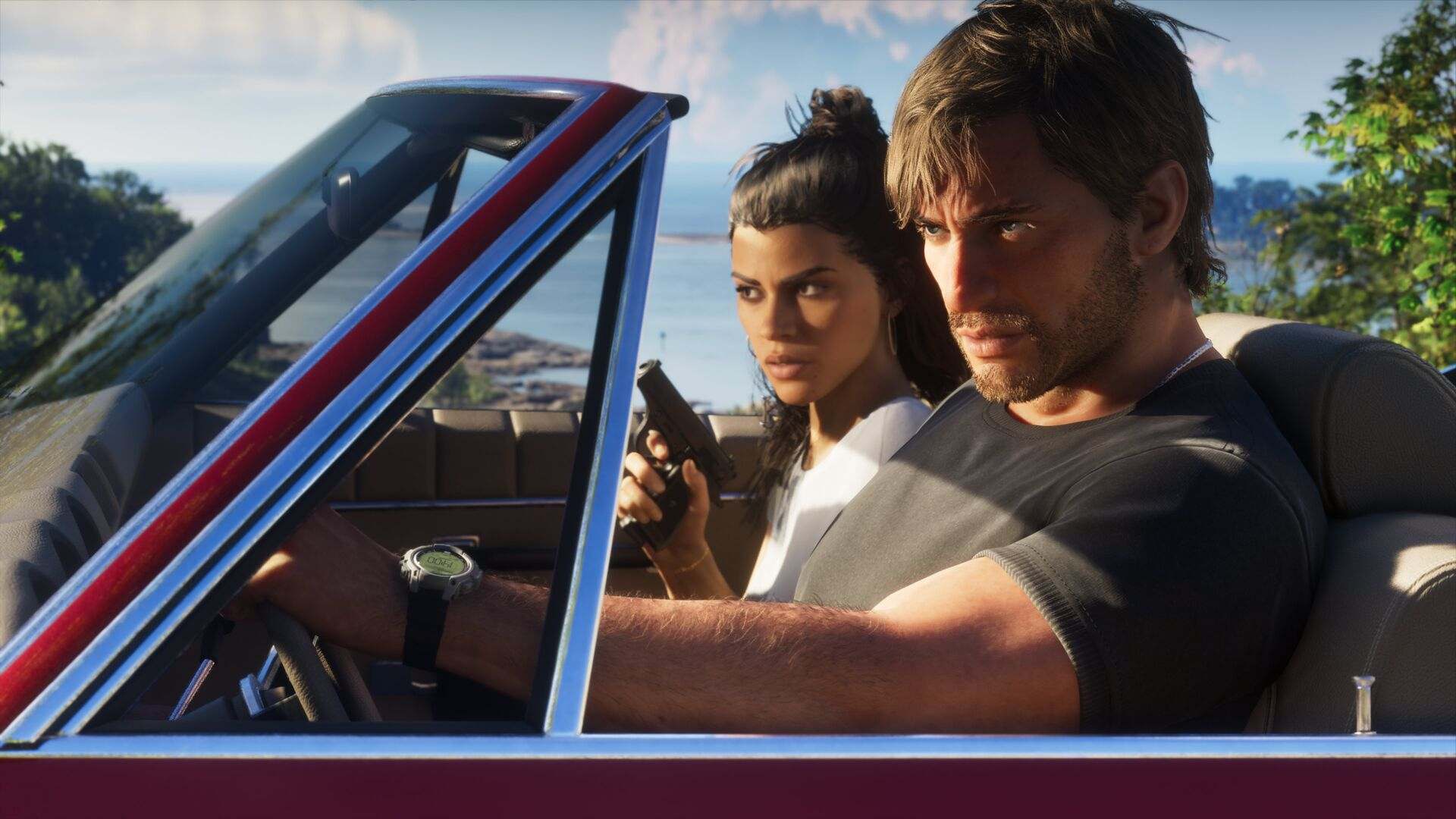
- Story conversations. Players like the cinematic camera plus auto drive when Jason and Lucia are together, so they can watch the scenery and listen to the dialogue.
- Learning the map. One player uses it to look around and learn the roads, which is hard to do while driving yourself.
- Showing off a build. A modded car looks better in the cinematic camera. See GTA 6 car customization.
Other driving controls worth knowing
- Turn signals: tap D-pad Left or Right.
- Radio on or off: double-tap D-pad Left.
- Headlights and high beams: Circle / B.
- Duck behind the wheel: hold Circle / B while driving.
- Vehicle controls (windows, convertible roof, hazards, engine off): hold D-pad Left and flick the right stick up.
GTA 6 has no first-person driving mode, but there are a few ways to get that view: see does GTA 6 have first person.
Long drives burn fuel, and a car that runs dry stops dead; see do cars need gas.
Sources
- r/GTA6: 17 hidden interactions and controls
- r/GTA6: What are your favorite hidden details and mechanics?
- r/GTA6: Hidden features thread
- r/GTA6: Most hidden features list
- r/GTA6: Boats have autopilot in cinematic view
- YouTube: GTA 6, 10 things the game doesn’t tell you (comments)
- YouTube: 15 early game mistakes (comments)
Questions and answers
How do you turn on auto drive in GTA 6?
Set a waypoint, start driving, then hold Down on the D-pad to switch to the cinematic camera. The auto drive option appears on screen; turn it on and the car drives itself to your waypoint.
Can you steer while auto drive is on?
Partly. Players report that tapping the indicators (D-pad Left or Right) makes the car turn or change lanes, which helps when you're stuck behind slow traffic.
Why does auto drive just drive around?
You haven't set a destination. Without a waypoint the car wanders aimlessly, so mark one on the map before you switch it on.
Does auto drive work on boats?
Yes. Boats steer themselves too once you switch to the cinematic view.
Does auto drive disable trophies?
No. Auto Drive is a standard option, not a cheat, so it doesn't affect trophies, achievements or saving.
Related pages
- GTA 6 Controls (PS5 and Xbox) and 19 Hidden Features Most Players MissGTA 6 controls for PS5 and Xbox: the default layout on foot, driving, flying and on the phone, plus 19 hidden features such as turn signals and leaving the engine on.
- Do Cars Need Gas in GTA 6? Fuel, Gas Stations and Running OutDo cars need gas in GTA 6? Yes: every car, bike, boat and aircraft burns fuel. How to check the gauge, refuel at 57 gas stations, and what happens when it runs dry.
- Does GTA 6 Auto Save? How Saving Works After Patch 1.002.002Does GTA 6 auto save? When the autosave triggers, where to find it, how to save manually in 15 slots, and what patch 1.002.002 changed.
- Does GTA 6 Have First Person? No Mode, but 3 Ways to Get the ViewDoes GTA 6 have first person? There's no first-person mode, but the inspect view, your phone while driving and a controller remap glitch get you close.